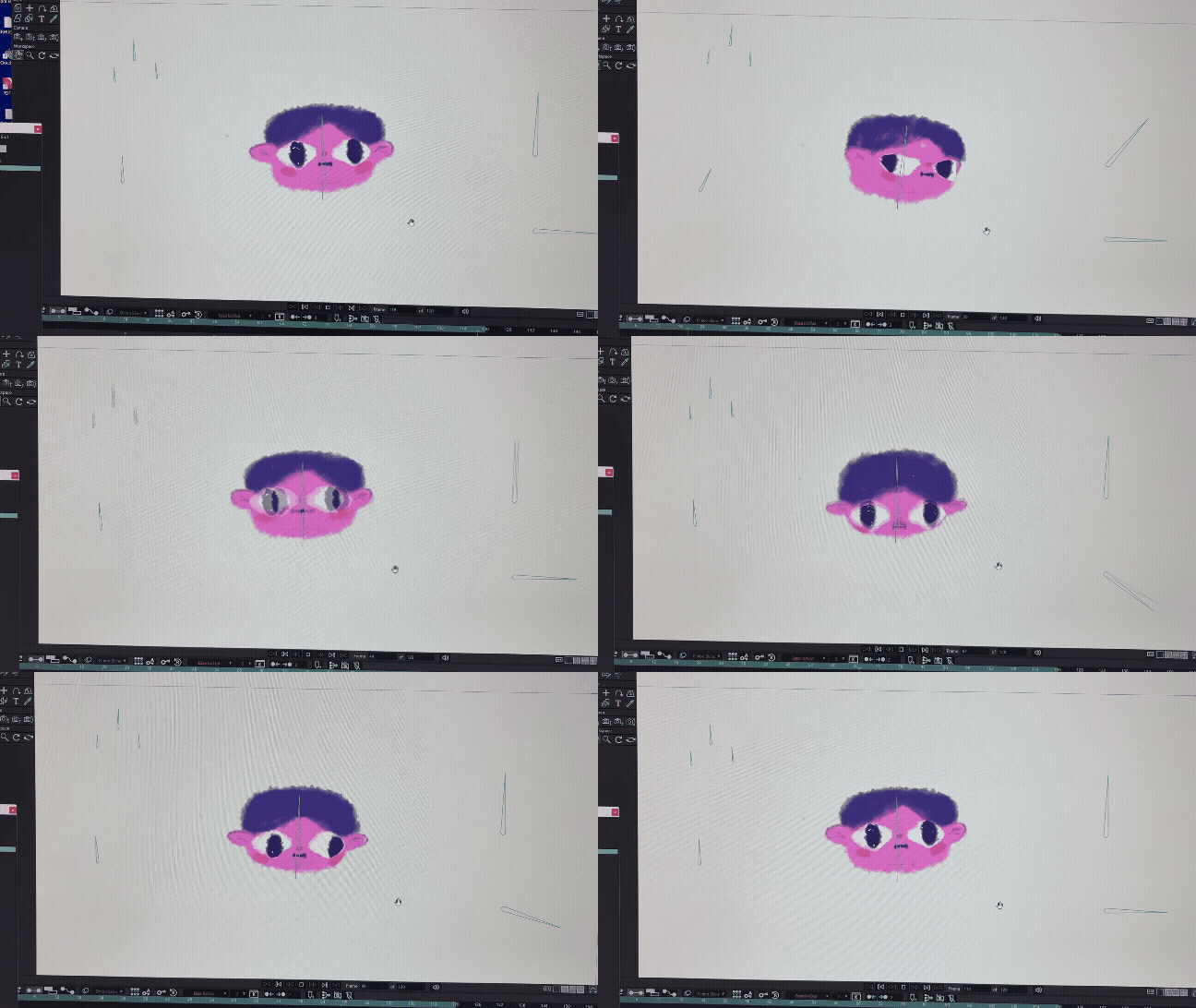
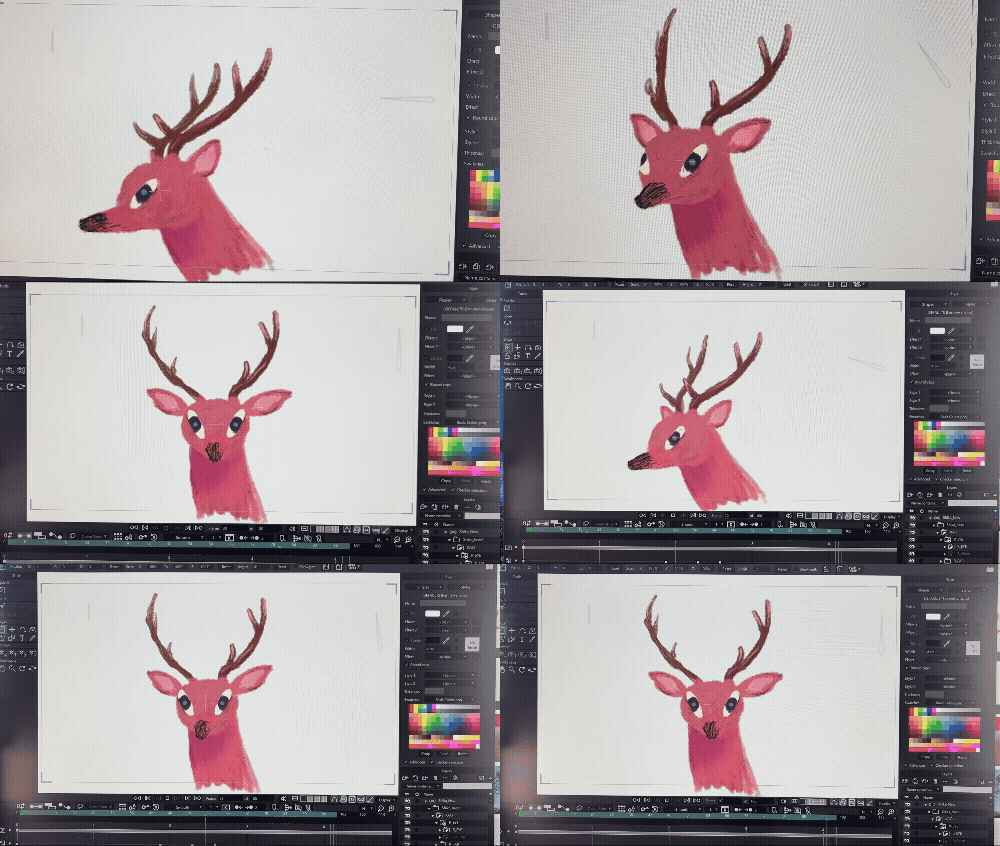
My upcoming animated film, “Night in the Eyewall“, is set on a stormy night during a typhoon.
Because of this, I need trees and forest leaves that sway realistically in the wind for the background. I figured if I could create them in Blender*, it would make the workflow much smoother…
To build a forest, if I were to model every single tree one by one… I’d never finish in a lifetime.
I thought about making a few patterns and copy-pasting them, but I was worried it might look a bit cheap.
So, I decided to use “Geometry Nodes”* to create a “Procedural Tree”—a versatile tool where I can adjust the trunk shape and the amount of branches and leaves just by tweaking parameters.
Geometry Nodes are built by connecting various “Logic Nodes” with lines. It feels a bit like programming, and since I had never touched it before, I was completely lost.
I asked Google’s AI, Gemini, to be my tutor, and we progressed step-by-step, question by question.
Gemini 3 is incredibly capable with almost no misinformation, and it actually worked! Moreover, it explained the function of each node in detail as we went along, so I think I’ve grasped at least the absolute basics of Geometry Nodes.
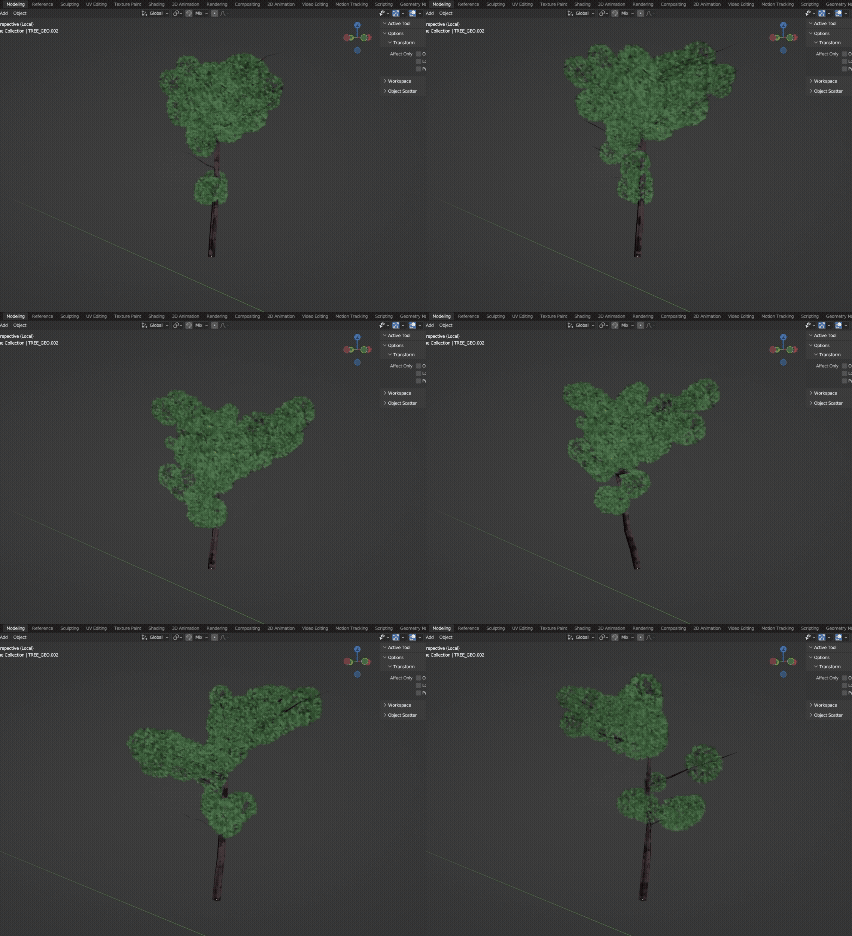
I can adjust the height, the curvature, the number of branches, and more.
With this, I can place various iterations of trees on the screen, so it shouldn’t look unnatural. Now, I need to make a coniferous version too.
While I was at it, I also tried using Geometry Nodes to recreate the grass in the forest swaying in the wind.
Physics simulations can be very heavy on the PC, so I want to avoid them as much as possible.
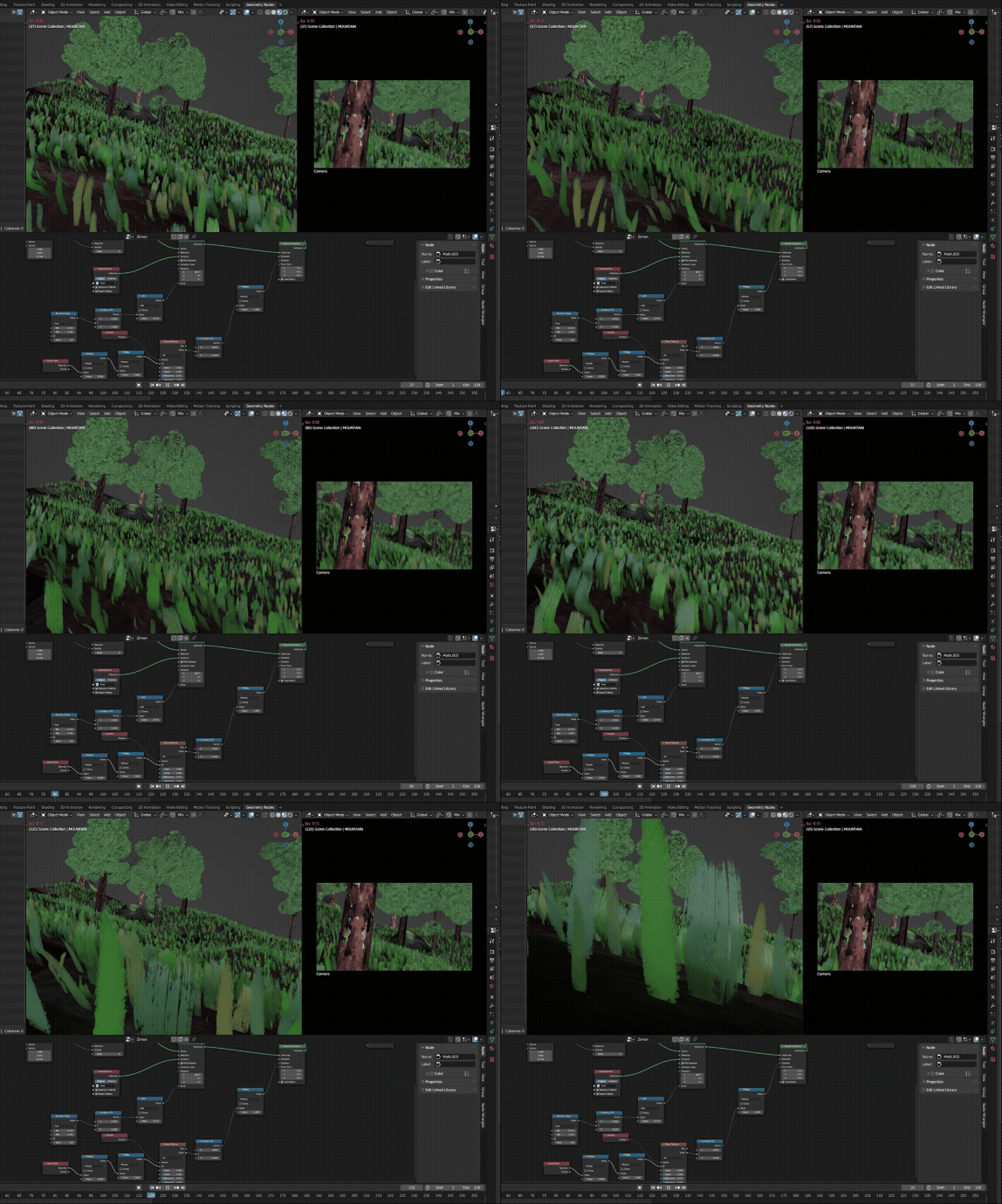
The grass and leaves are simply drawn with a brush. It gives them an analog vibe, which is quite cute.
The length, color, and other attributes are adjusted to vary randomly.
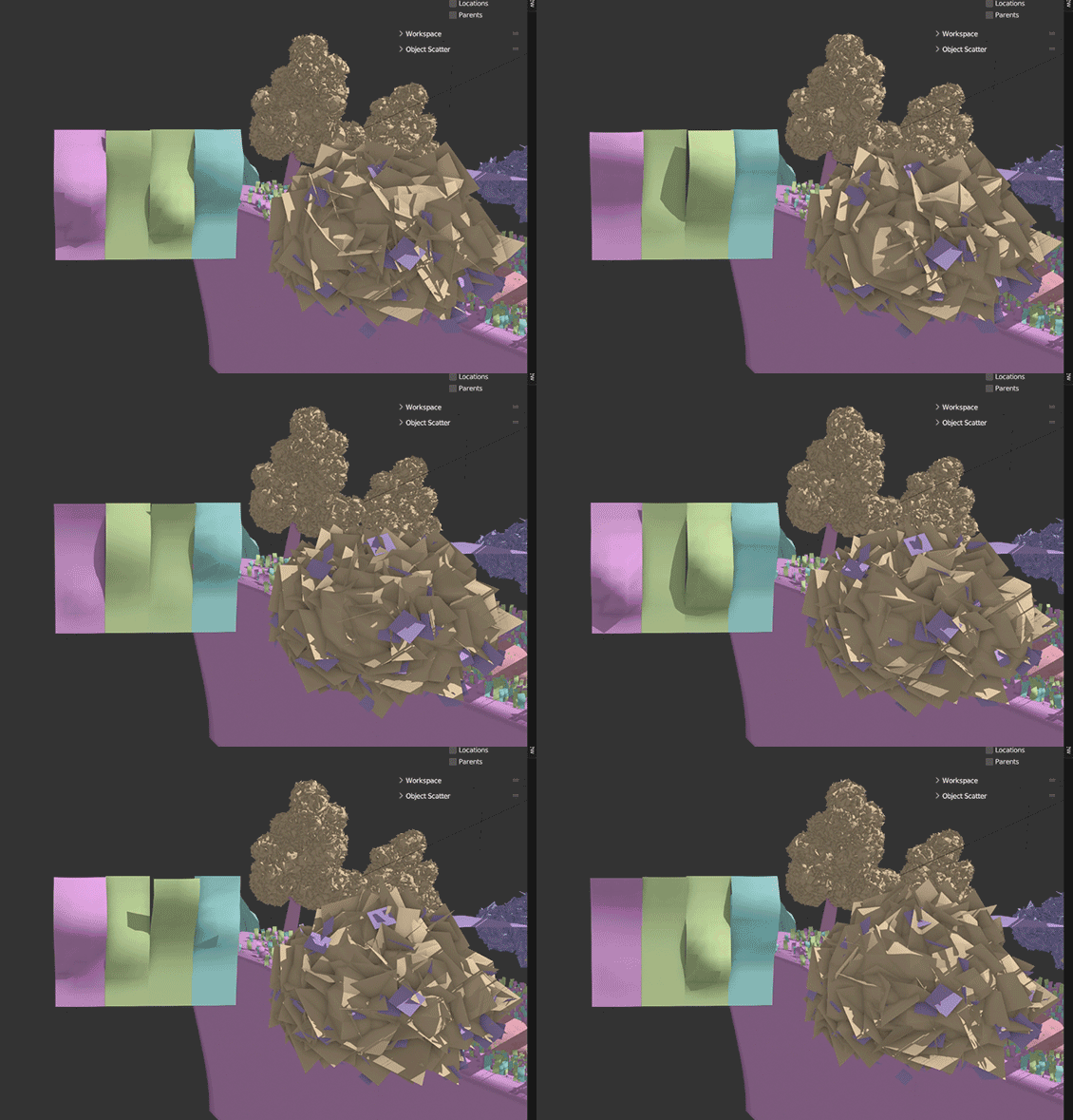
With Geometry Nodes alone, the planes just ended up wobbling back and forth.
So, I also used the Wave Modifier on the base assets to create a rippling effect.
I hope it looks like a somewhat strong wind is blowing.
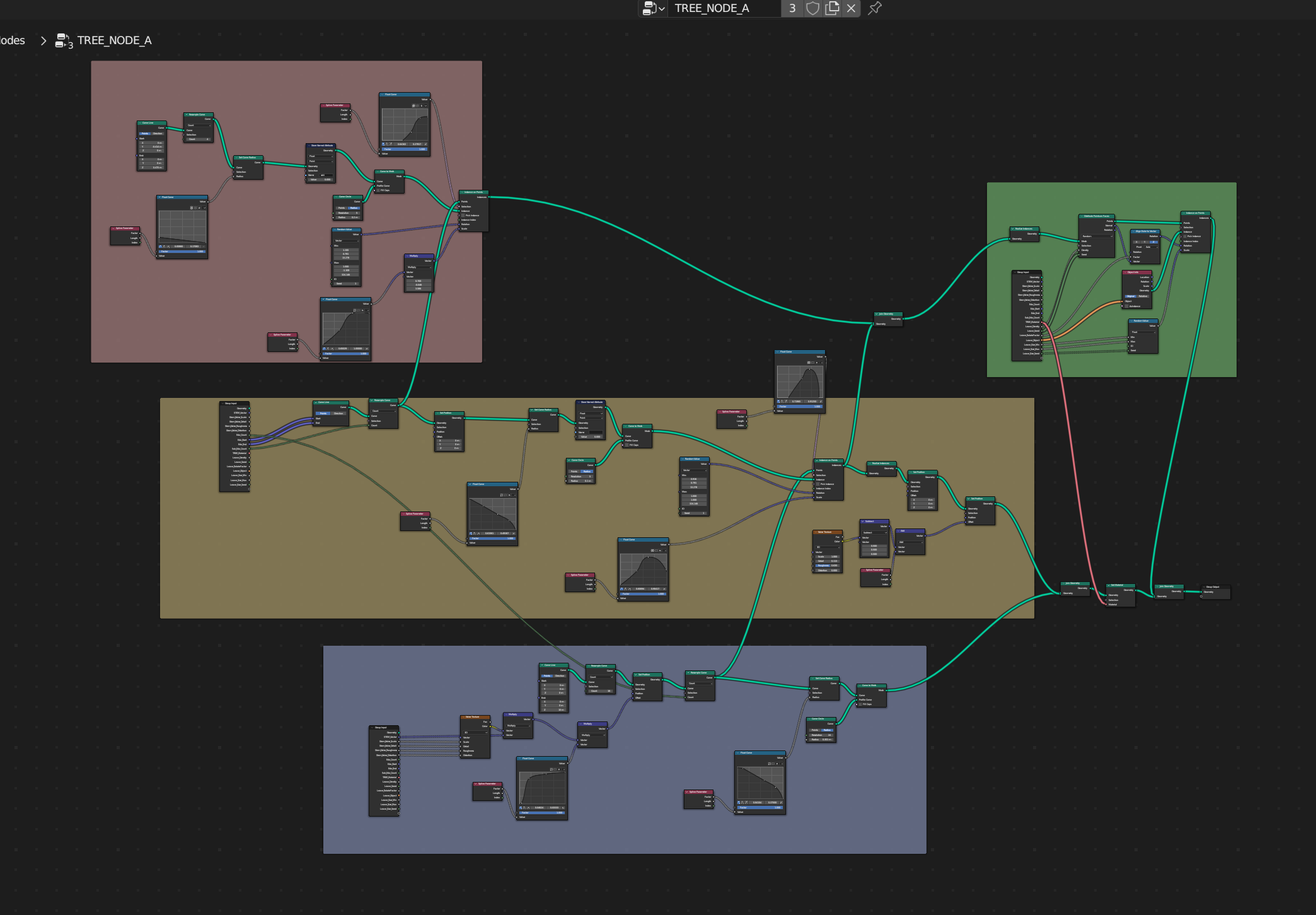
The full view of the “Procedural Tree” Geometry Nodes.
Blue is the trunk, yellow is the branches, red is the sub-branches growing from them, and green is the leaves.
I built it by combining commands like: “give the line a surface,” “make it taller,” “taper the tips,” “make it curvy,” “set the number of branches to X,” “set the branch direction/angle to…” and so on.
*Blender… A world-famous **free** software that can do almost anything related to 3D.
*Geometry Nodes… A feature that allows you not just to model an object, but to create the “recipe” for the construction itself.